Less friction.More flow.

Vortex

Shape layer rigging for After Effects

A cleaner way to rig shape layers

Vortex gives you more control over your shape rigs and path animations: controls only on the points you pick, bezier handles as layers or masks, a Pivot for many points, and followers that slide along the path or follow a whole group. Split the layer or merge it with others, and the rig keeps working.

Points

Only the points you need.

Put controls only on the vertices you pick, not a null on every point of the path. Pick them in the After Effects viewer or in the panel’s preview, which shows several shape layers at once and even lets you pick points on paths that already have a rig.

Pivot

One Pivot, many points.

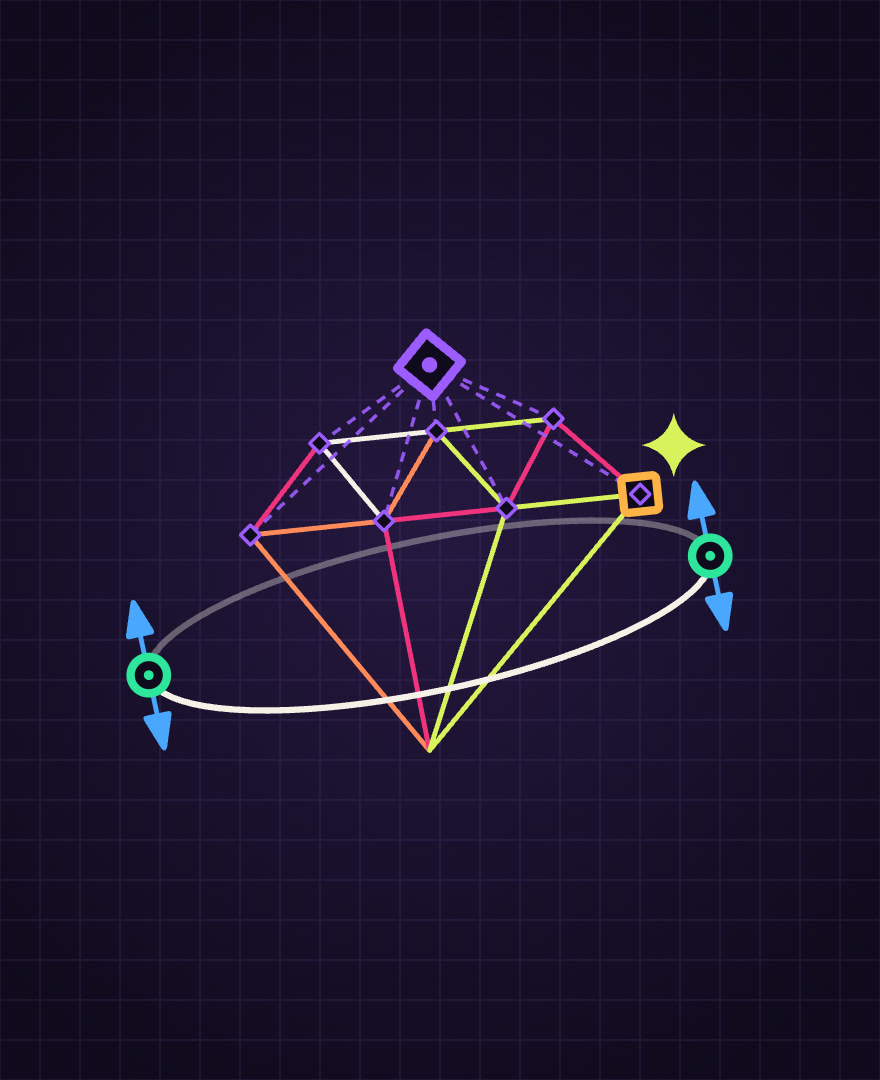
Rig a whole shape with three or four controls. Group points under a Pivot: move, rotate or scale it and they all follow, even across different shape layers. When shapes share a corner, one Pivot drives all of them and the edges stay closed, so a low-poly face or a folding box needs only a few controls.

Followers

Followers that ride the path.

Attach text, objects or effects to your shape. Every follower comes with an Offset slider that slides it along the path, and Follow Rotation rotates it to follow the path’s direction. Or make one Average follower at the center of a group of points: it moves with the group, and can turn and scale with it too.

Try it here!

A simplified web version of the Vortex panel. Select points, click a button, then drag what appears.

Vortex 1.0, now on aescripts.

Format
Panel (ZXP)
After Effects
2025 and later
Platforms
macOS and Windows
Expressions
JavaScript and Legacy
Store
aescripts
Price
$35

Free After Effects scripts

Five small tools for everyday animation work: keyframe timing, parenting, strokes, fonts and depth maps. Free and open source.

See the free scripts