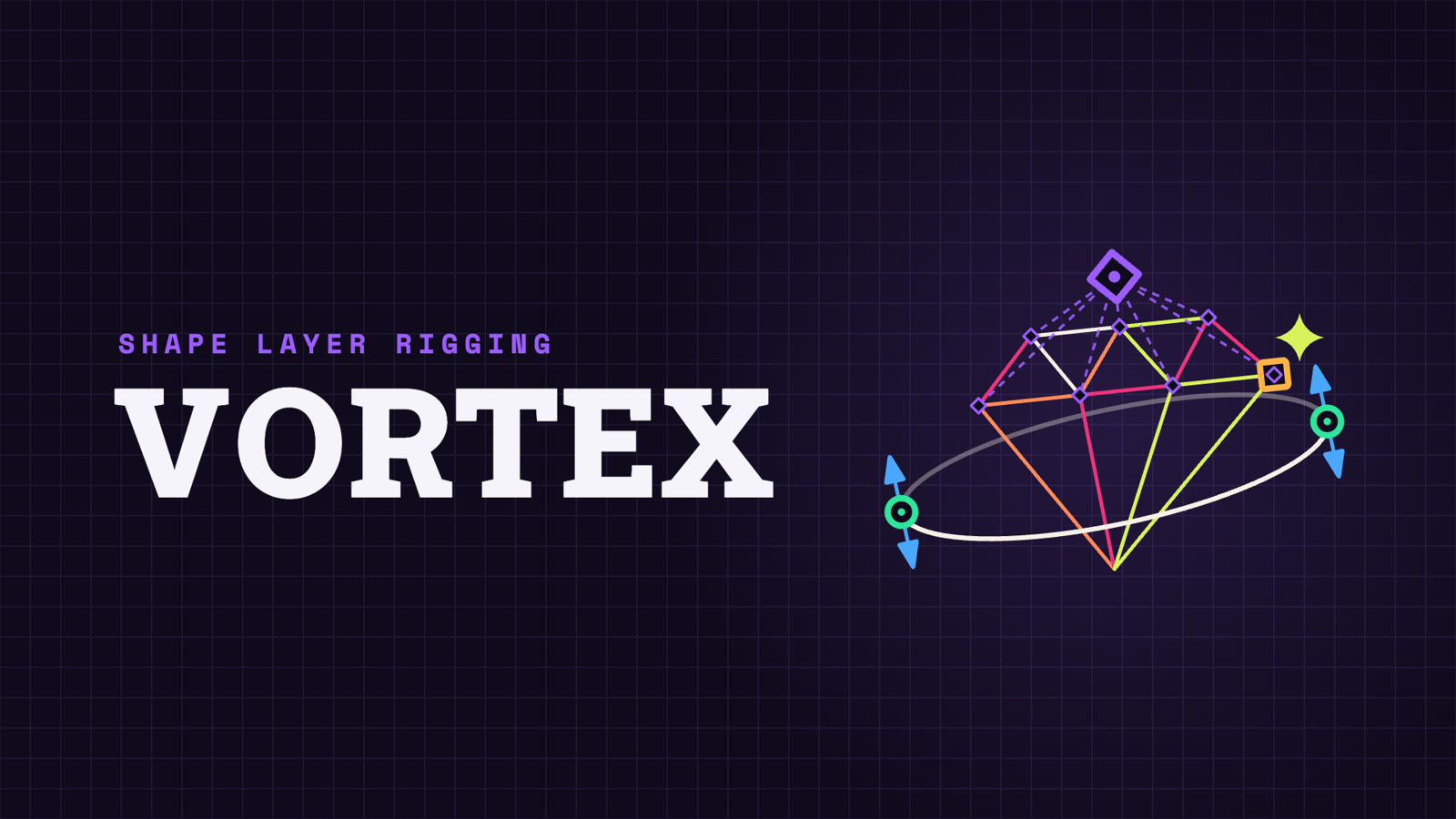
Vortex gives you more control over your shape rigs and path animations: controls only on the points you pick, bezier handles as layers or masks, a Pivot for many points, and followers that slide along the path or follow a whole group. Split the layer or merge it with others, and the rig keeps working.
Put controls only on the vertices you pick, not a null on every point of the path. Pick them in the After Effects viewer or in the panel’s preview, which shows several shape layers at once and even lets you pick points on paths that already have a rig.
Handles
Rig the curves too.
The points you rig can also get controls for their two bezier handles. Make them as masks inside the point controller, or as separate layers with a line back to their point, and switch between the two whenever you like. Forgot to turn them on? Add the missing handles to points you already rigged.
Pivot
One Pivot, many points.
Rig a whole shape with three or four controls. Group points under a Pivot: move, rotate or scale it and they all follow, even across different shape layers. When shapes share a corner, one Pivot drives all of them and the edges stay closed, so a low-poly face or a folding box needs only a few controls.
Pivot Offset moves the center of rotation and scale without moving the artwork, and you can animate it.
Followers
Followers that ride the path.
Attach text, objects or effects to your shape. Every follower comes with an Offset slider that slides it along the path, and Follow Rotation rotates it to follow the path’s direction. Or make one Average follower at the center of a group of points: it moves with the group, and can turn and scale with it too.
Extract and Merge
Restructure without breaking the rig.
Designs change halfway through a job. Extract shapes into their own layers, or merge layers back into one, and the controls, Pivots and followers keep driving the shape.
Compact mode
Small when you need it.
Fold the panel into two rows of buttons and dock it next to your timeline. Select points in the After Effects viewer, click Create, Follow or Pivot, and keep working. One click brings the preview back when you want to pick points there.
Try it here!
A simplified web version of the Vortex panel. Select points, click a button, then drag what appears.
Rigs that survive the job.
Hand off the live rig
Rigs are built from standard After Effects expressions and effects saved in the project, so a teammate or client can open it, move the controls and render without Vortex installed, as long as the “Vortex Links” effects on the shape layer stay in place. Or bake it: Delete with bake keeps the shape and the animation as plain path keyframes.
Plays well with other rigs
Vortex never rewrites another tool’s expressions and won’t build a rig on a path that already has one. Extract and Merge check that expressions on other layers still give the same result, and undo the action if they don’t.
Rename and reorder freely
Controls stay connected whatever you call them and wherever they sit in the timeline.
One undo per action
If something goes wrong halfway, the whole action is rolled back.
Read the rig at a glance
Points, handles, Pivots and followers each have their own shape and color, which you can change in Preferences, with a dark outline for light artwork.
Vortex vs. Create Nulls From Paths
Feature
Create Nulls From Paths
Vortex
Which points get a control
Every point
Only the ones you pick
Controls for bezier handles
No
Yes
One control for many points
No
Pivot, even across layers
Followers
One per point
One per chosen point, with Offset, or one Average follower
Split or merge shapes and keep the rig
No
Yes
Remove the rig and keep the animation
No
Delete with bake
Before you rig.
Can I change the shape after rigging it?+
A rigged path is driven by its controls, so After Effects won’t let you move its points with the Pen tool. You can add controls to more points at any time, and rearrange, group or add shapes in the layer without breaking the rig. To redraw the path itself, delete its controls (Delete gives you back the original shape or bakes the animation), edit it, and rig it again.
What’s the difference between a Pivot and a follower?+
A Pivot moves the points. A follower is moved by the points: use it to stick text, objects or effects to the shape.
Can I rig a layer that is parented or animated by another rig?+
Yes. Vortex controls work in comp space, so they keep working when the layer is parented to or animated by another rig.
Does it work with rectangles, ellipses and stars?+
Yes. Vortex asks to convert them to bezier paths first, in the same undo step as the action. Convert to Bezier also does it in one click.
What happens when the trial ends?+
Vortex stops creating and changing rigs until you enter a license. The rigs already in your projects keep working and rendering.